Payments are the part of a Shopify store that can stop without warning. A review, a hold or a disabled account, and suddenly the store looks fine but cannot take money. That is why more merchants search for "Whop payments Shopify": they want a second way to get paid without rebuilding the store.
This guide covers how Whop payments work on a Shopify store, where the money goes, what it costs at a high level, and when it makes sense.
How Whop payments work on a Shopify store
Our official Whop app moves only the payment step to Whop:
- Buyers shop your Shopify theme and fill their Shopify cart as usual.
- At checkout they continue to a Whop-powered checkout page.
- The charge runs through your Whop company, not Shopify Payments.
- The paid order is created back in Shopify for fulfillment.
- Whop pays out the money to you on its payout schedule.
Every charge, including one-click upsells, is a normal Whop payment.
Payment methods buyers can use
- Cards, entered in one secure payment block
- Apple Pay and Google Pay on supported devices, shown at the top of checkout
- PayPal, run through Whop, so you do not need your own PayPal account
- Buy now buttons on product pages that skip the cart and go straight to checkout
For the full list of methods Whop supports, see Whop payment methods.
Add one-click upsells to your Whop
Install OneClick Upsell from the Whop App Store and offer a post-purchase upsell in a few minutes.
Where the money goes: payouts
Money from your Shopify orders lands in your Whop company balance. From there, Whop's payout rules apply:
- Standard payouts take up to 5 business days, per Whop's payout docs.
- Instant payouts arrive in minutes for an extra fee.
- Payout methods depend on your country.
Full details and worked examples are in Whop fees and payouts.
Fees at a high level
There are up to three separate costs to understand.
Whop processing
Whop charges its own processing fee on every charge, starting from 2.7% + $0.30 for domestic cards, with other methods priced separately. Always check Whop's fee page for current rates.
Our app
The Shopify checkout plan is $99.95 per month with a 1% platform fee, or $149.95 per month with a 0.5% platform fee for higher-volume stores. The platform percentage is waived for early users for now.
Shopify
You keep your Shopify plan. Shopify adds a third-party payment fee when you use an outside gateway inside Shopify Admin. Whop checkout is not a gateway inside Shopify Admin, but you should still confirm how synced orders appear on your Shopify invoice. The full comparison is in Shopify third-party payment fees vs Whop.
Refunds, subscriptions and chargebacks
- Refunds: refund the order in Shopify admin as usual, full or partial. The app picks up the refund and refunds the matching Whop payment.
- Subscriptions: recurring products are billed by Whop from your storefront.
- Disputes: clear product descriptions, visible refund policies and shipment tracking help you avoid them. Tracking numbers from Shopify fulfillments attach to each Whop payment.
Shipping and tracking
You ship from Shopify exactly as before. When you mark an order fulfilled, the tracking number syncs to the matching Whop payment, so buyers and Whop both see delivery status.
Whop as a Shopify Payments alternative
When Shopify Payments is held or under review
Shopify Payments can pause payouts or hold funds while it reviews an account, and a slice of every sale can be held back for weeks. With Whop payments on Shopify, checkout keeps working because buyers pay through Whop. See Shopify Payments suspended? Keep selling with Whop.
When you want wallets and upsells back
If you already moved away from Shopify Payments, you may have lost Apple Pay, Google Pay and your post-purchase upsell app. Whop payments bring both back on the same checkout.
Compared with other gateways
| Third-party gateway in Shopify | Whop payments on Shopify | |
|---|---|---|
| Shopify third-party payment fee | Usually applies | Not a gateway in Shopify Admin; check your invoice |
| Express wallets | Depends on the gateway | Apple Pay and Google Pay through Whop |
| One-click upsells | Often break | Same card, added to the Shopify order |
| Orders in Shopify | Yes | Yes |
More options are compared in Shopify Payments alternatives.
High-risk and restricted businesses
Switching processors is not a way around the rules. Whop reviews businesses under its own policies, may ask for identity checks, and may apply reserves or category limits. Read high-risk merchant payments on Whop before you rely on this path.
Turn on Whop payments for your Shopify store
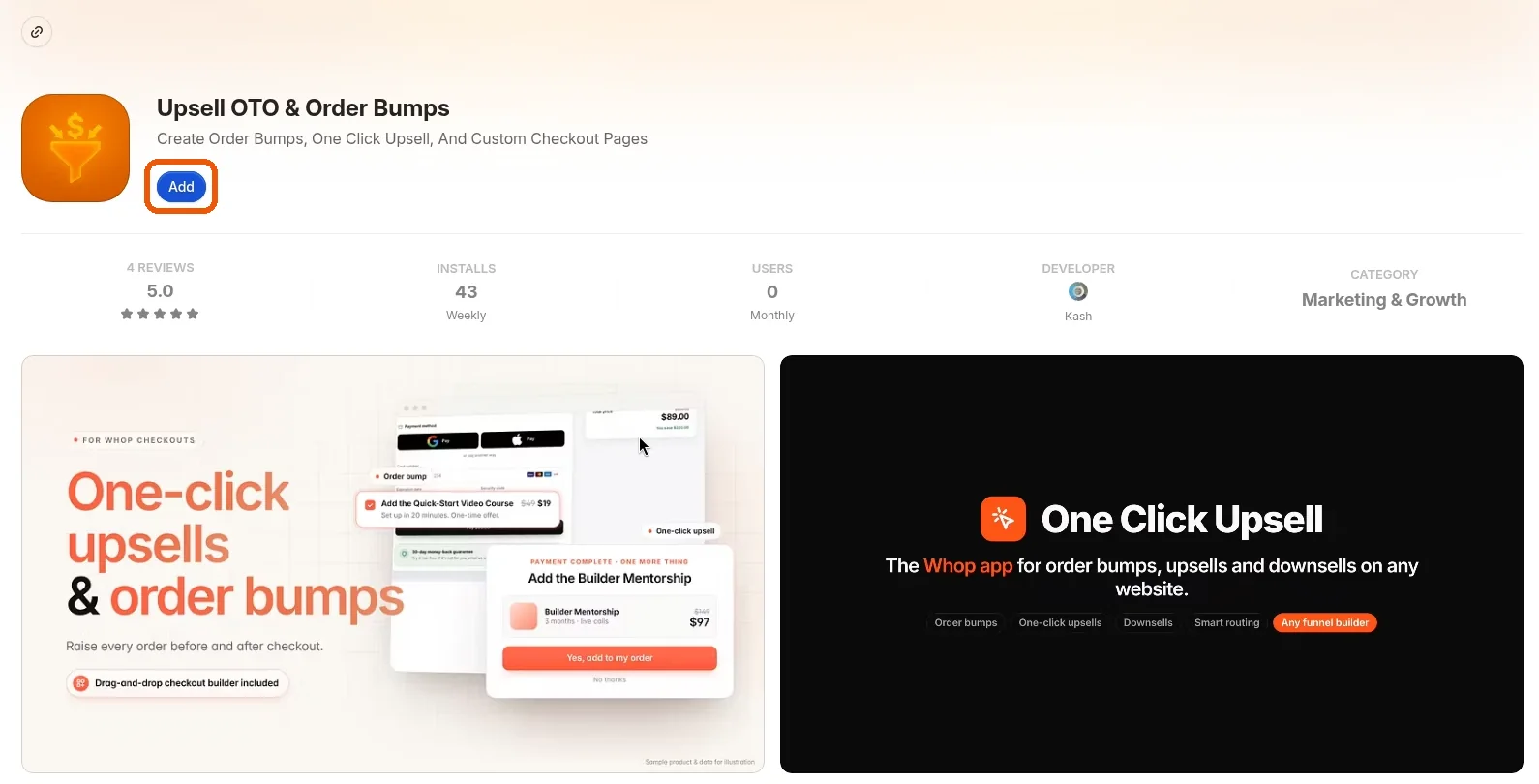
Install our official Whop app
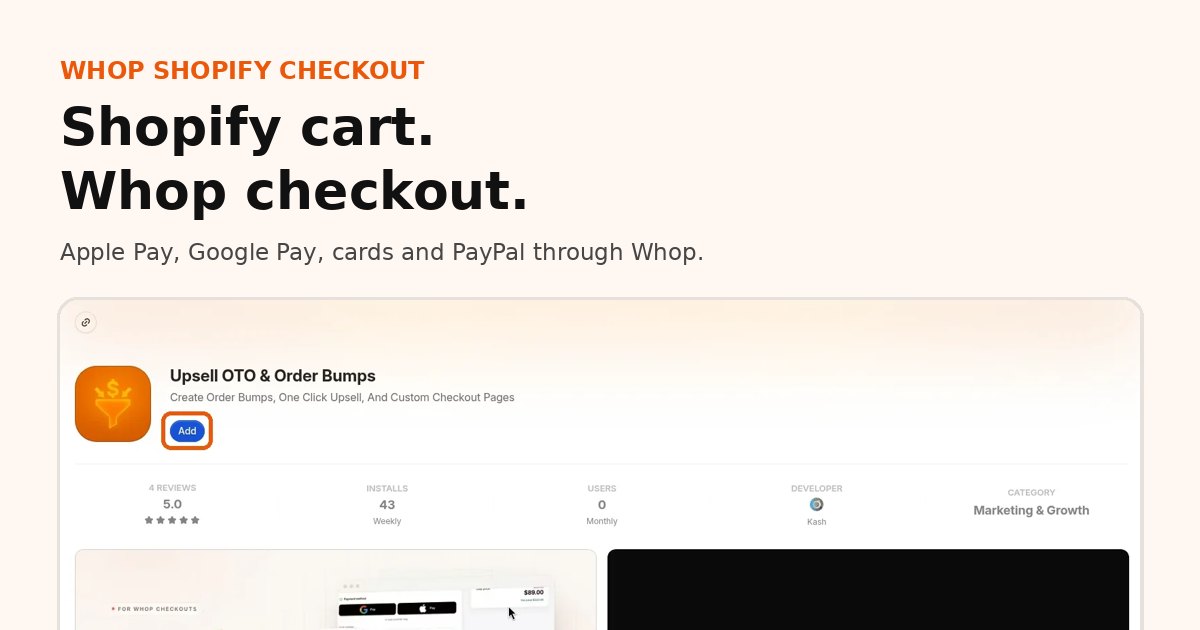
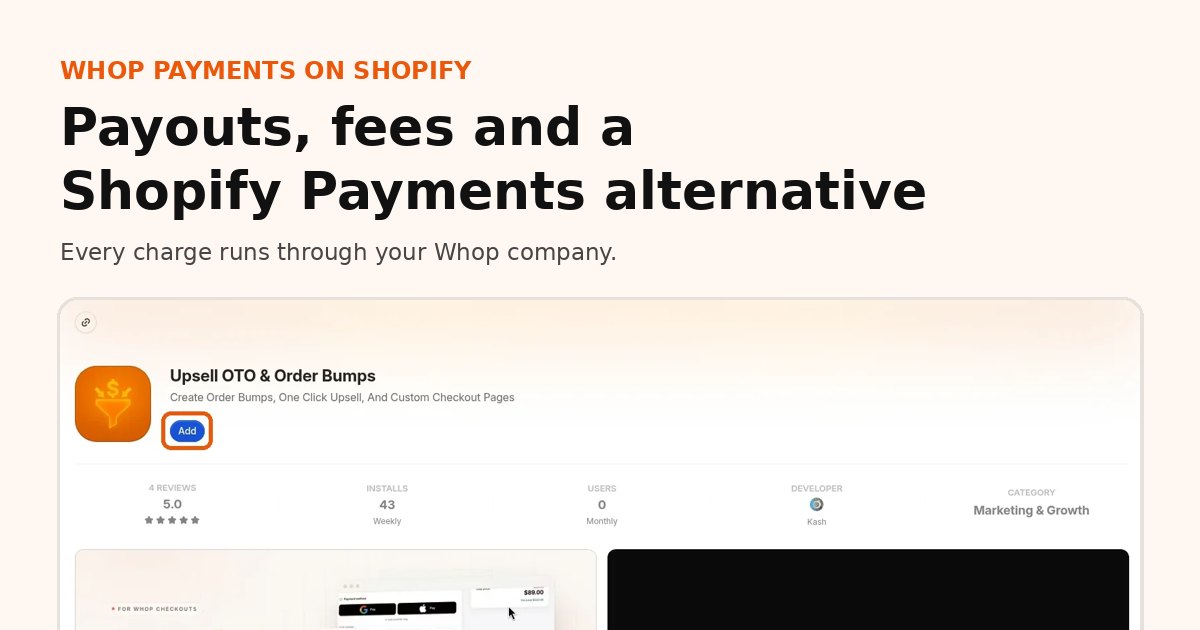
Add our app from the Whop App Store (Upsell OTO & Order Bumps) to the Whop company that will receive your payouts.
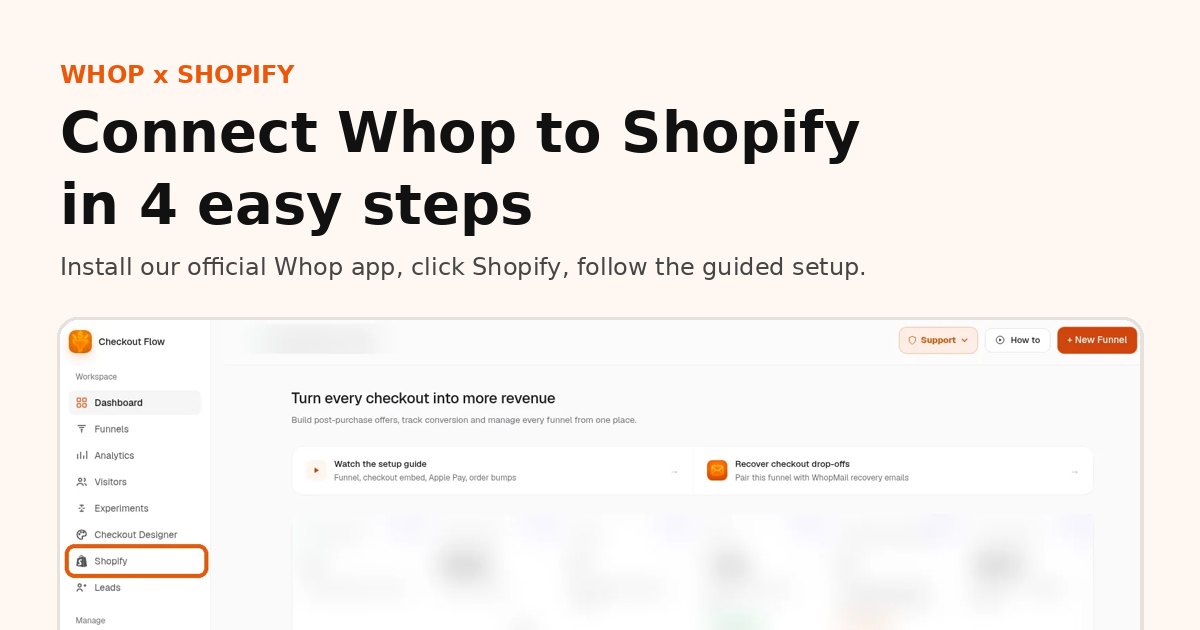
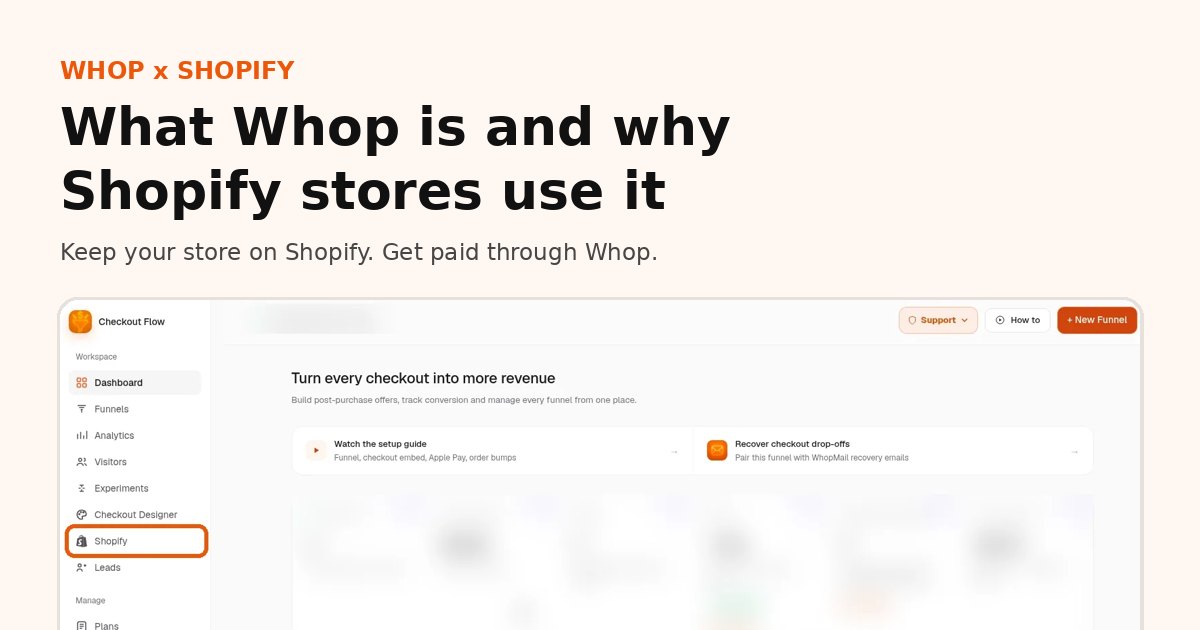
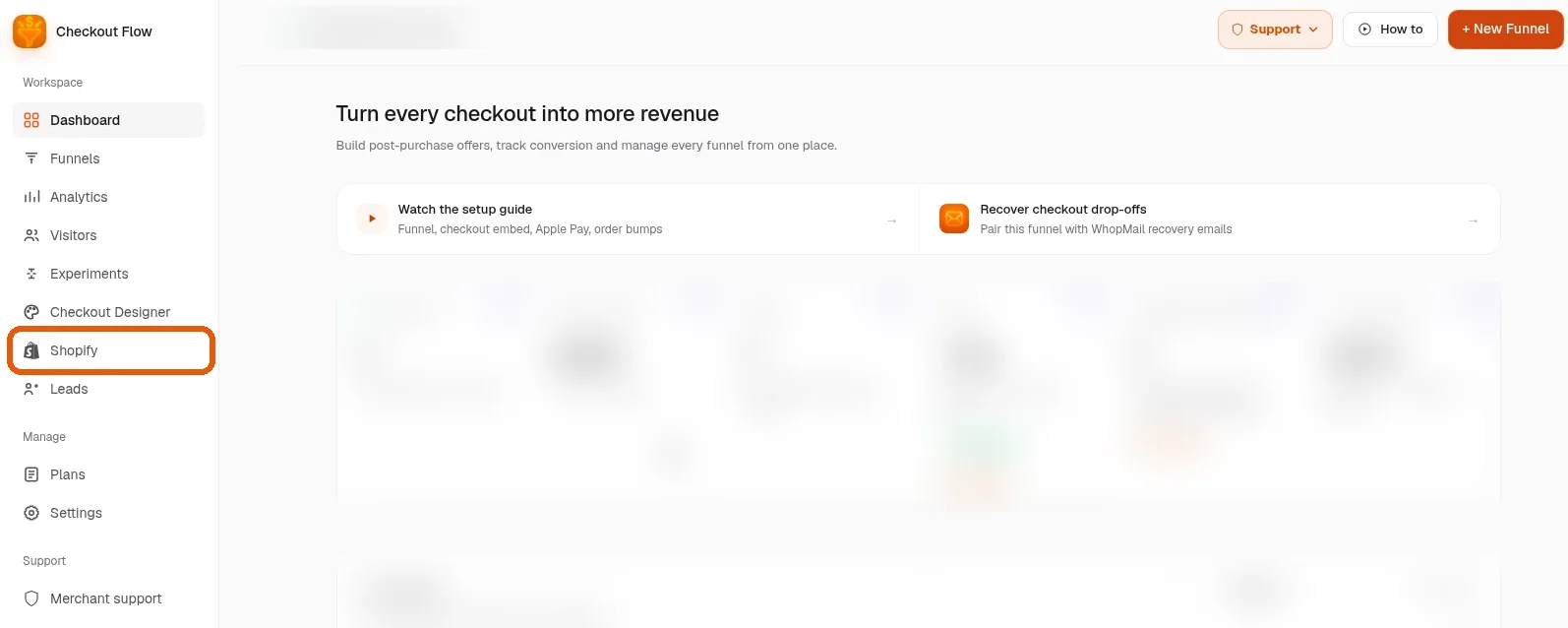
Open the app and click Shopify in the sidebar
Open the app and click Shopify in the sidebar. Make sure your Whop payout details are set so money has somewhere to go.
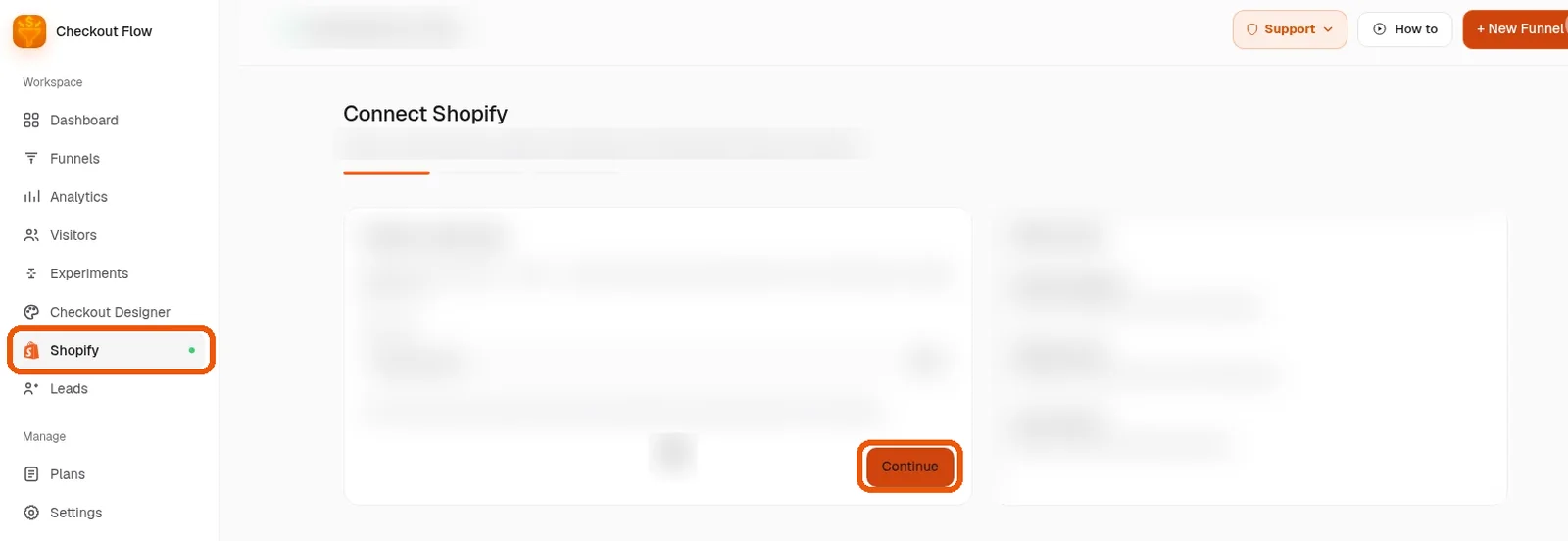
Follow the guided setup
Follow the guided setup to connect your store. Each screen tells you exactly what to do; most stores finish in about 10 minutes.
You are live
Run a small test order, confirm it appears in Shopify and in your Whop payments, then go live.
Whop payments Shopify FAQ
Can I use Whop payments on Shopify?
Yes. Install our official Whop app and connect your store. Buyers pay through your Whop company and paid orders sync to Shopify.
Is Whop payment on Shopify an official Shopify payment method?
No. Whop is not listed as a Shopify payment provider. Buyers are handed to a Whop-powered checkout and the order is created back in Shopify.
Where do Whop payments from my Shopify store pay out?
To your Whop company. Every charge, including upsells, is a normal Whop payment and pays out on Whop.
How much does Whop payment processing cost on Shopify?
Whop's processing fees apply on every charge, from 2.7% + $0.30 for domestic cards. Our plan is $99.95 or $149.95 per month, with the platform percentage waived for early users.
Can I keep selling if Shopify Payments is suspended?
Usually yes, if your store and admin still work, because checkout does not depend on Shopify Payments. You still need to follow Shopify's and Whop's terms.
How do refunds work with Whop payments on Shopify?
Refund the order in Shopify admin, full or partial, and the matching Whop payment is refunded.
Does Whop payment on Shopify support PayPal?
Yes. PayPal runs through Whop, so you do not need your own PayPal account.
Related guides
Ready to raise your order value?
Install OneClick Upsell on Whop and build your first upsell funnel today.
Some links to Whop on this site are affiliate links. If you sign up through them we may earn a commission, at no extra cost to you.