Whop Shopify Integration: Connect Whop to Shopify in 4 Easy Steps
The simple way to connect Whop to Shopify. Install our official Whop app, click Shopify in the sidebar, follow the guided setup and go live with Whop checkout in about 10 minutes.
By the OneClick Upsell team · · 3 min read
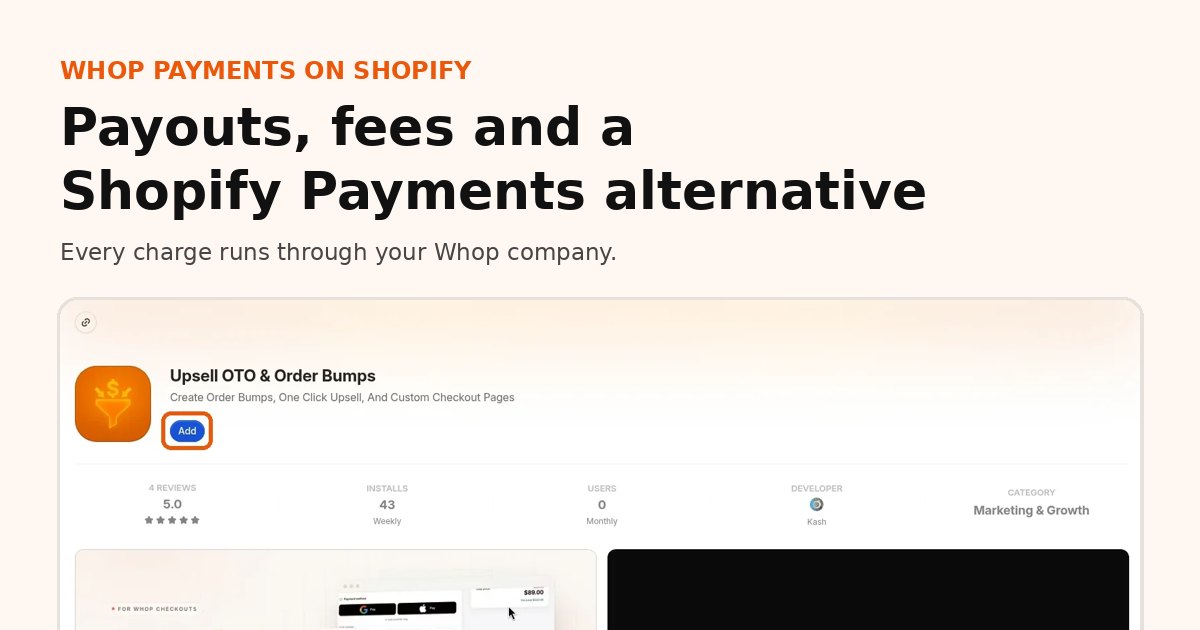
Official Whop app
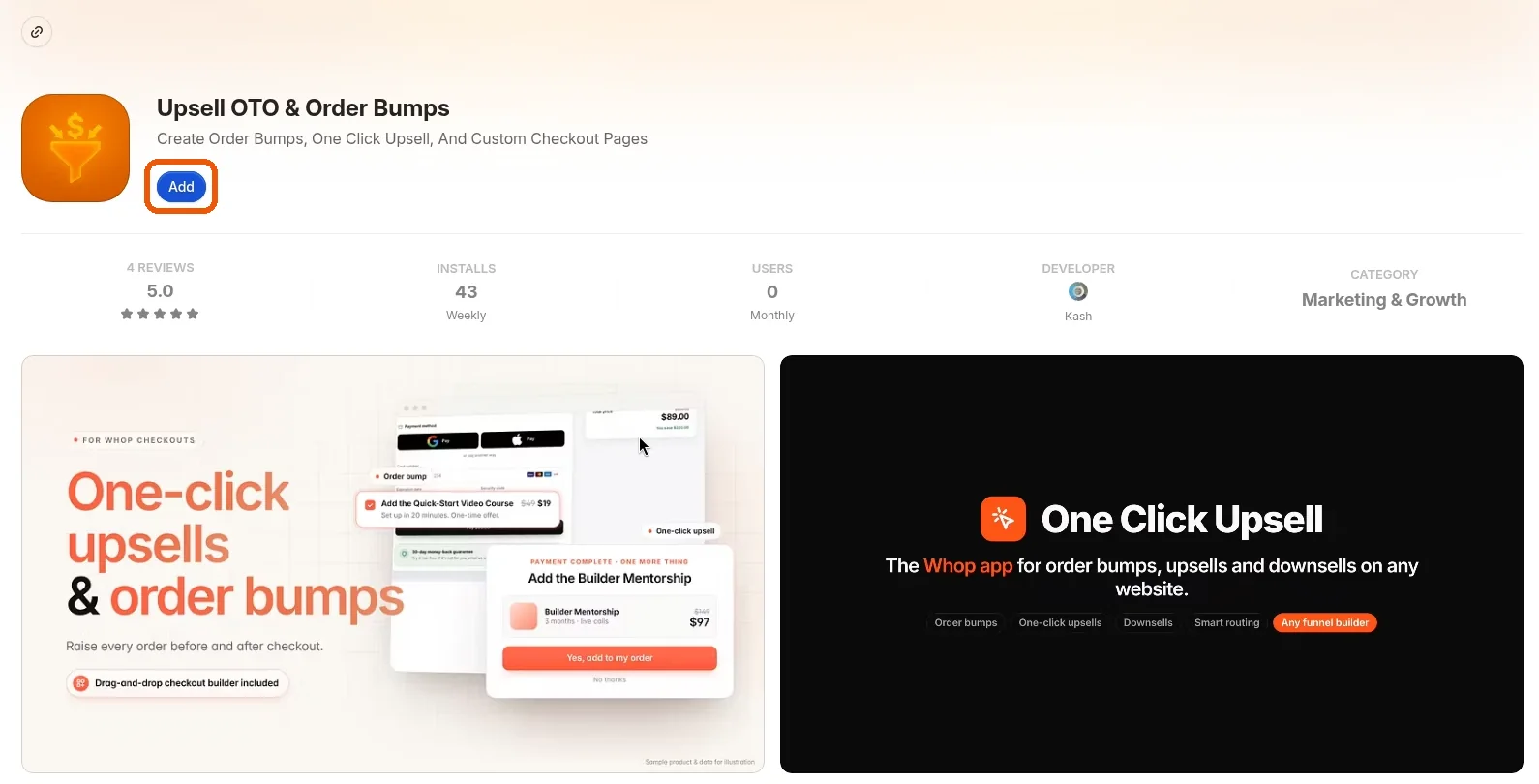
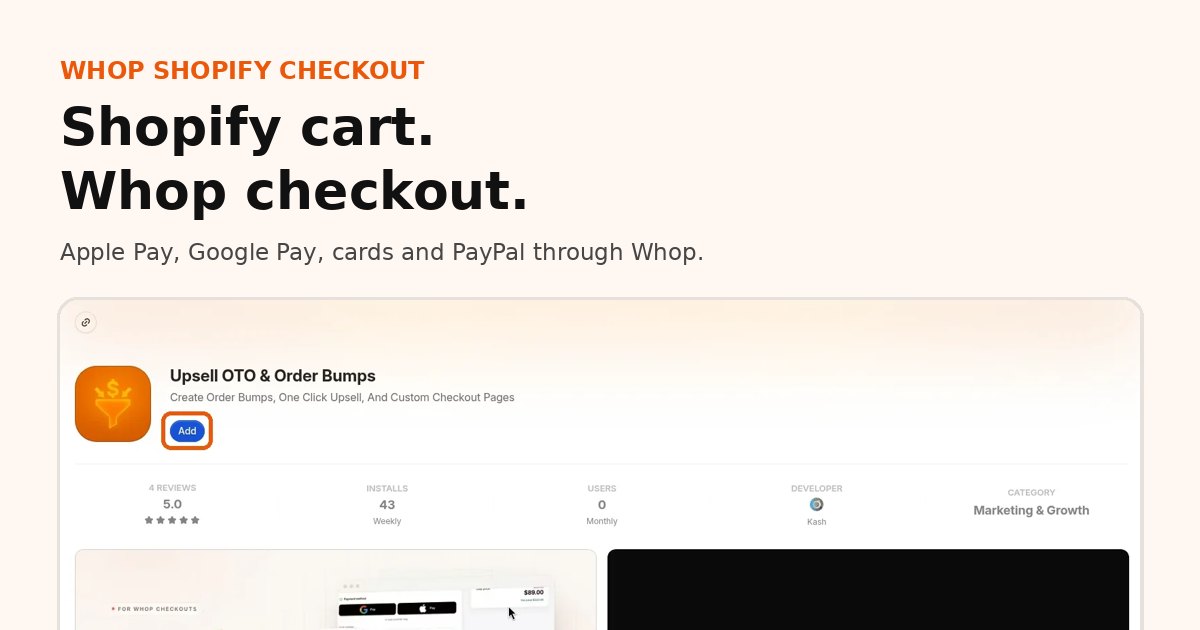
Install our official Whop app to integrate with Shopify
Free to install from the Whop App Store. Connect your Shopify store in about 10 minutes.
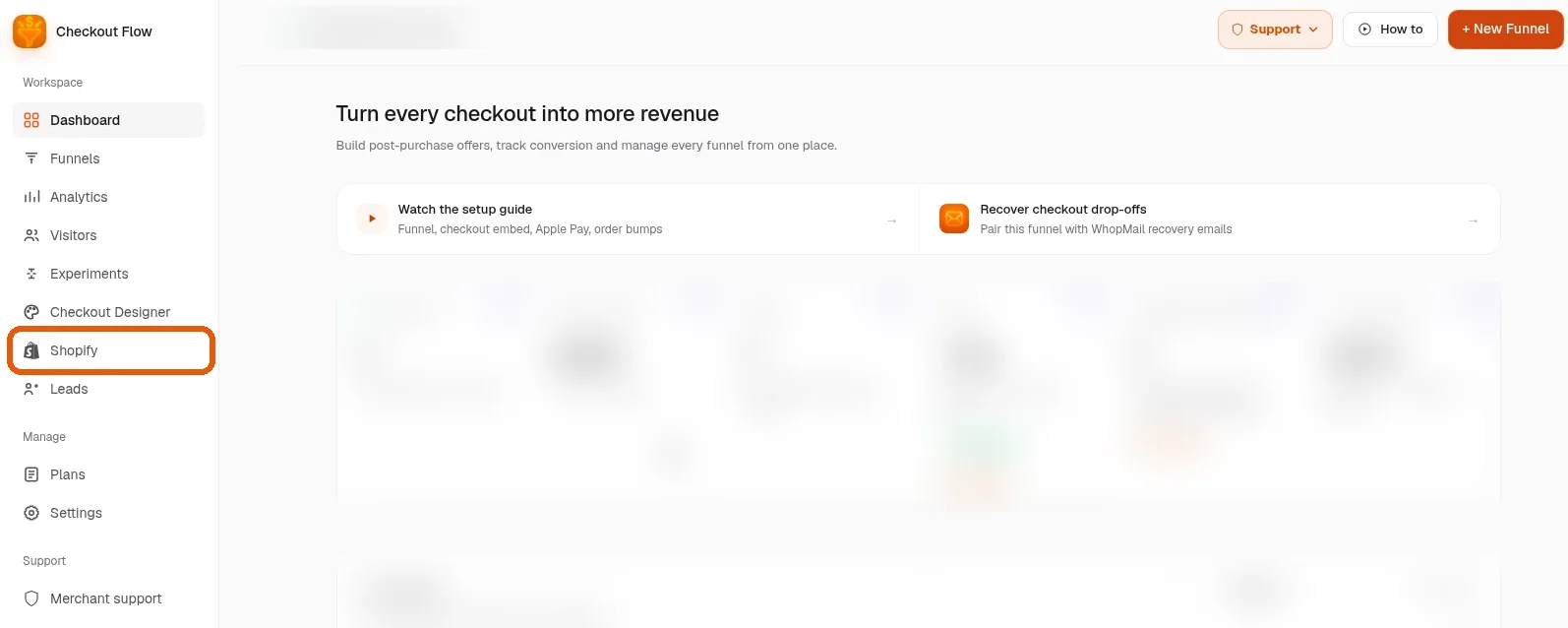
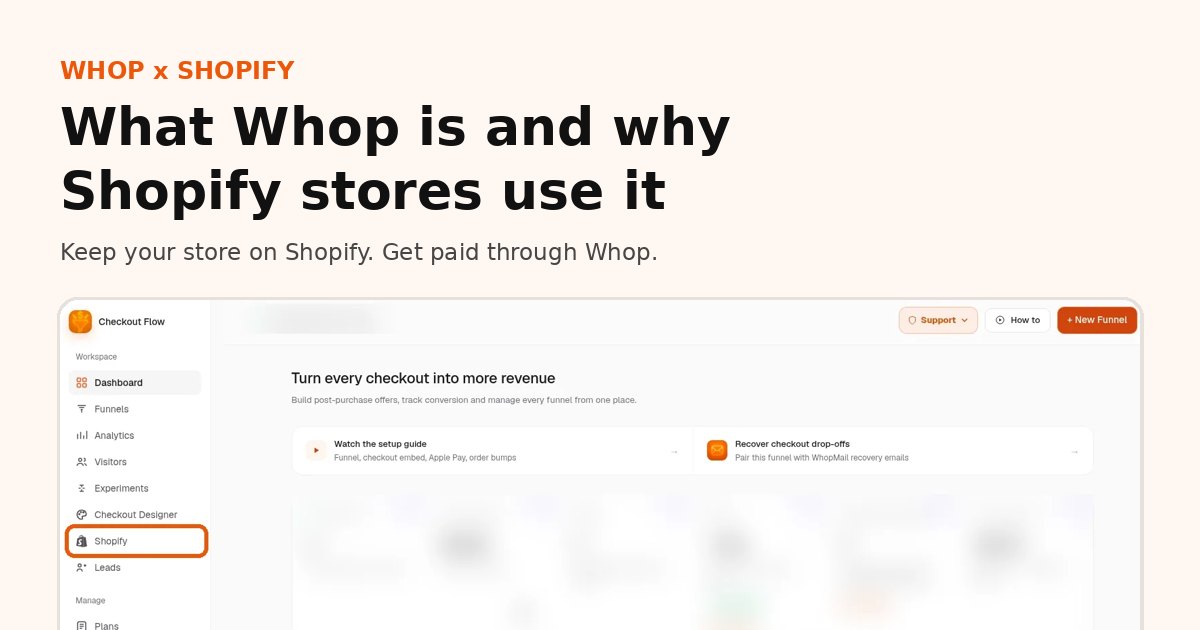
Inside Whop, open the app from your dashboard. Shopify sits in the left sidebar, under Checkout Designer.
3
Step 3
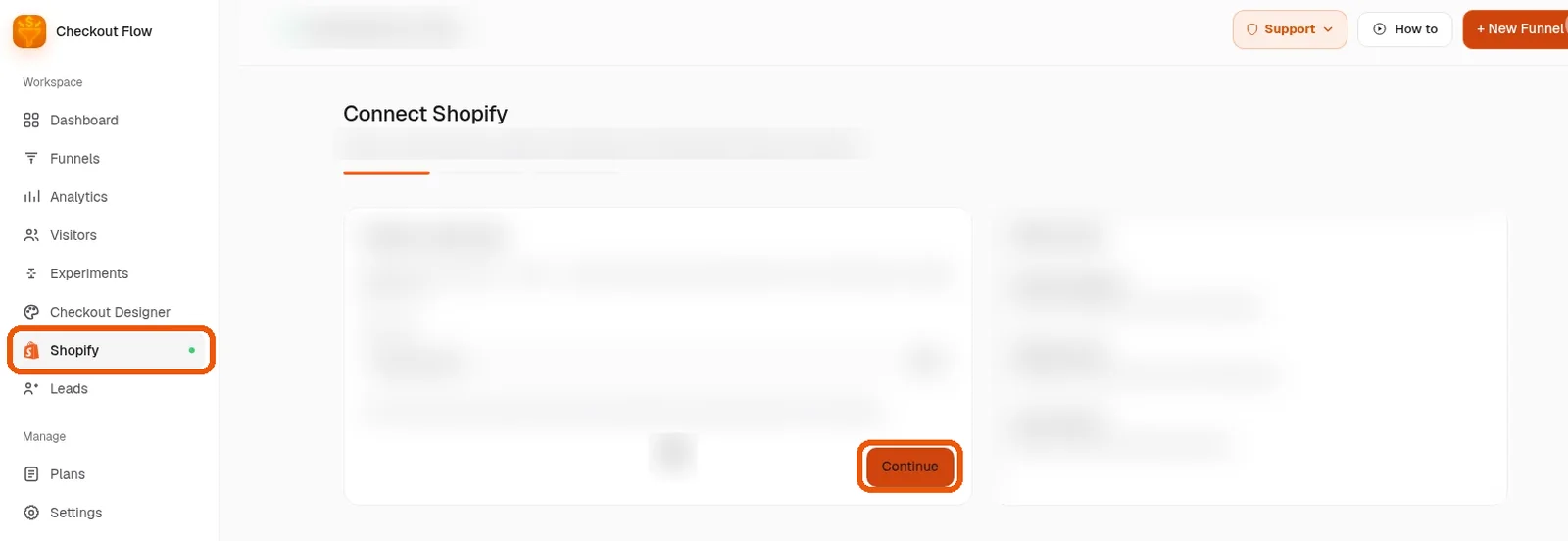
Follow the guided setup
The app walks you through connecting your store one screen at a time. Click Continue on each step. Most stores finish in about 10 minutes, with no theme code to edit.
✓
Step 4
You are live
Your Shopify store keeps its theme, products and cart. Shoppers pay through Whop checkout, orders land back in Shopify, and you can add one-click upsells whenever you are ready.
Prefer a hand? We will set it up with you.
Book a free setup call and we will connect your Shopify store to Whop together, live.
The Whop Shopify integration connects your Shopify store to Whop checkout through our official Whop app. It moves one thing, the payment, and leaves the rest of your store alone.
Shopify keeps: your theme, products, collections, cart, discount codes, shipping rates, orders and fulfillment.
Whop runs: the checkout page, the payment, payouts to your Whop company and recurring billing for subscriptions.
The app syncs: paid orders into Shopify, tracking back to Whop when you fulfill, and refunds from Shopify admin to the matching Whop payment.
A Shopify store with products and shipping rates set up.
A Whop company that should receive payouts, with payout details filled in.
About 10 to 15 minutes, including a test order.
No developer is needed, and you do not edit theme code. If you would rather not do it alone, book a free setup call and we will connect it with you live.
What your buyers will notice
Apple Pay and Google Pay at the top of checkout on supported devices
Cards and PayPal through Whop, with no PayPal account of your own needed
A familiar address form with the shipping rates you already set in Shopify
An optional one-click offer after payment, charged to the same card
A thank-you page styled like your store
What they will not notice is a different store. They browse and fill their cart on your Shopify site exactly as before. Want to see it first? Open the Whop x Shopify demo.
What happens after you go live
Paid orders land in Shopify with their line items, ready to pack and ship. When you mark an order fulfilled, the tracking number attaches to the matching Whop payment. If a buyer asks for a refund, refund in Shopify admin, full or partial, and the Whop payment is refunded too.
Money from each order lands in your Whop company and pays out on Whop's schedule. See Whop fees and payouts for timing.
What it costs
Our app: $99.95 per month (1% platform fee) or $149.95 per month (0.5% platform fee). The platform percentage is waived for early users for now.
Whop processing: Whop's own processing fees apply on every charge.
Shopify: your plan stays the same. Check how synced orders appear on your Shopify invoice.
Is it right for your store?
It is a good fit if Shopify Payments is holding your funds, if you lost Apple Pay and Google Pay after leaving Shopify Payments, or if you want one-click upsells on the same card. It is a weaker fit if your buyers depend on Shop Pay, which is part of Shopify's checkout. The Whop and Shopify overview covers who it suits in more detail.
Whop Shopify integration FAQ
Does Whop integrate with Shopify?
Yes. Whop is not listed inside Shopify's payment settings, so the integration runs through our official Whop app. Install it, click Shopify in the sidebar and the guided setup connects your store.
How does Whop Shopify checkout work?
Shoppers browse and add to cart on your Shopify store as usual. At checkout they pay on Whop checkout with card, Apple Pay or Google Pay, and the paid order lands back in Shopify for fulfillment.
Can I use Whop payments on Shopify?
Yes. Payments are processed by your Whop account, so payouts follow Whop's schedule. Your theme, products and fulfillment stay in Shopify. See Whop fees and payouts for rates.
How do I connect Shopify to Whop?
Same four steps from either side: install our official Whop app, open it, click Shopify in the sidebar and follow the guided setup. You do not need to edit your theme code.
How long does it take?
About 10 minutes for most stores. If you would rather not do it alone, book a free setup call and we will connect it with you.
Can I add upsells after checkout?
Yes. Once your store is connected you can attach one-click upsells and order bumps to your Whop checkout. See Shopify one-click upsells with Whop.