If you searched "Whop Shopify", you have probably seen other store owners mention Whop and wondered how a platform known for memberships and digital products fits with a physical-goods store on Shopify. The short version: Whop handles the money, Shopify keeps running the store.
This overview explains what Whop is, why Shopify merchants use it, who it suits and who it does not, and how the two connect.
What is Whop?
Whop is a platform for selling online. It started with digital access such as memberships, communities, courses and software, and it runs the full money side of a sale:
- Checkout: a hosted checkout page with cards and wallets
- Payments: Whop processes the charge on your Whop company
- Payouts: Whop pays you out on its schedule, with standard and instant options
- Subscriptions: recurring billing for products that renew
Whop has no monthly fee to sell; it charges per transaction. For the details, read What is Whop? and Whop fees and payouts.
What is Shopify good at?
Shopify is the storefront and operations system most of these stores already run on. It is great at:
- Themes, product pages and collections
- Inventory, variants and shipping rates
- Orders, fulfillment, returns and customer service
Most merchants do not want to leave any of that. They only want more control over how they get paid.
Add one-click upsells to your Whop
Install OneClick Upsell from the Whop App Store and offer a post-purchase upsell in a few minutes.
How Whop and Shopify work together
With our official Whop app, each platform does what it is best at:
| Job | Handled by |
|---|---|
| Storefront, products, cart, discount codes | Shopify |
| Checkout page and payment | Whop |
| Payouts | Whop |
| Orders and fulfillment | Shopify |
| Shipment tracking on the payment | Synced from Shopify to Whop |
| Refunds | Started in Shopify, refunded on Whop |
| One-click upsells after payment | Whop, added to the Shopify order |
The buyer shops on your Shopify store, pays on a Whop-powered checkout, and the paid order lands back in Shopify.
Why Shopify stores use Whop
Payment holds and reviews
Shopify Payments can pause payouts or hold funds while an account is reviewed, often right when sales pick up. Because buyers pay through Whop, your checkout does not depend on Shopify Payments. You still need to follow both Shopify's and Whop's terms. More in Shopify Payments suspended? Keep selling with Whop.
Express wallets without Shopify Payments
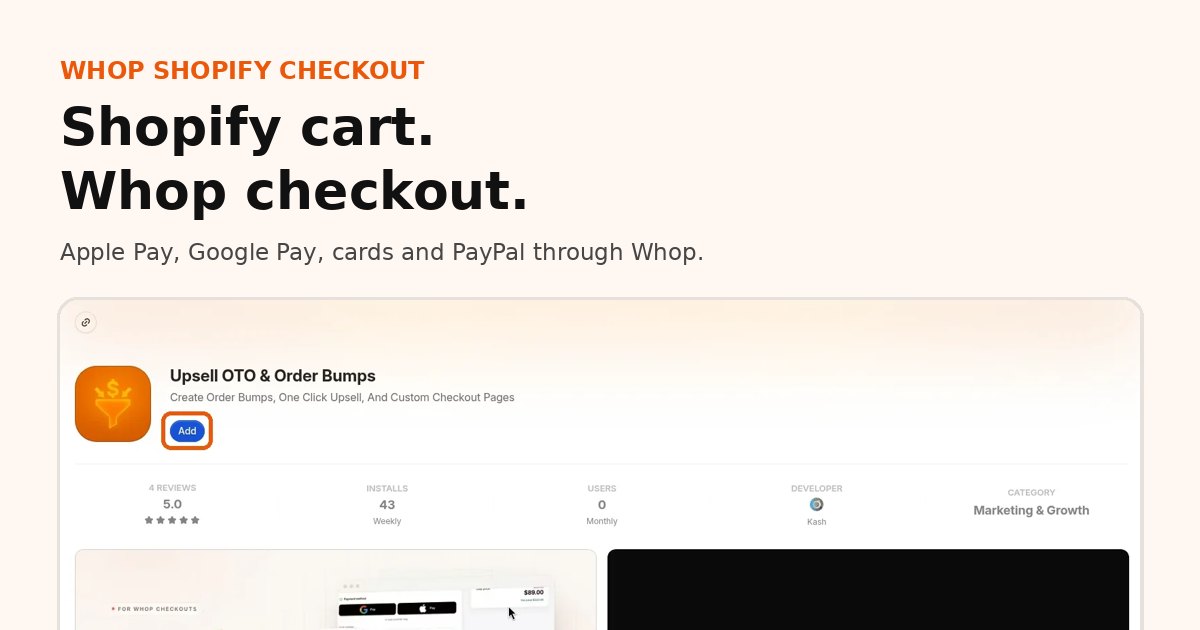
On many stores, Apple Pay and Google Pay disappear when Shopify Payments is off. Whop checkout brings them back on supported devices, plus cards and PayPal through Whop.
PayPal without your own PayPal account
PayPal runs through Whop, so you do not need a PayPal business account of your own.
One-click upsells on the same card
After payment, buyers can accept a one-time offer that charges the card they just used, with no details to re-enter. The accepted offer is added to the same Shopify order.
Better ad tracking
Every step from ad click to upsell is tracked with browser and server events, deduplicated, and sent back to the platform that sent the buyer, so ads optimize on real sales. Meta Pixel and Conversions API are supported.
Who Whop on Shopify is a good fit for
- Stores whose Shopify Payments account is on hold or limited and need a working checkout today
- Brands running paid social that want cleaner purchase tracking and more revenue per order
- Merchants who want post-purchase upsells but left Shopify Payments, which breaks most classic upsell apps
- Stores selling recurring products that want subscriptions billed by Whop from the storefront
- Stores with buyers abroad, since checkout can show in the buyer's language
Who should probably stay on Shopify checkout
- You rely heavily on Shop Pay, which is part of Shopify's checkout
- Shopify Payments works well for you and you do not need upsells or wallets back
- Your business falls in a category Whop does not allow; Whop reviews businesses under its own policies, see high-risk merchant payments on Whop
What Whop on Shopify is not
- Not an official Shopify payment method. Whop does not appear in Shopify's payment settings. The app hands buyers to a Whop-powered checkout.
- Not a store migration. You keep your Shopify store. Nothing about your theme or catalog moves.
- Not a theme rebuild. The basic install happens in the app, with no theme code edits.
Whop on Shopify vs moving your whole store to Whop
Some merchants consider moving everything onto Whop: products, storefront and all. For most Shopify stores, that is more work than it needs to be. Keeping Shopify and moving only checkout means:
- No rebuilding product pages or collections
- No moving customers, reviews or order history
- No change for your fulfillment team
- A setup measured in minutes, not weeks
If you sell mostly digital products and want everything in one place, a full move can still make sense. For physical-product stores that just want better payments, connecting the two is the faster path.
How to connect Whop and Shopify in 4 steps
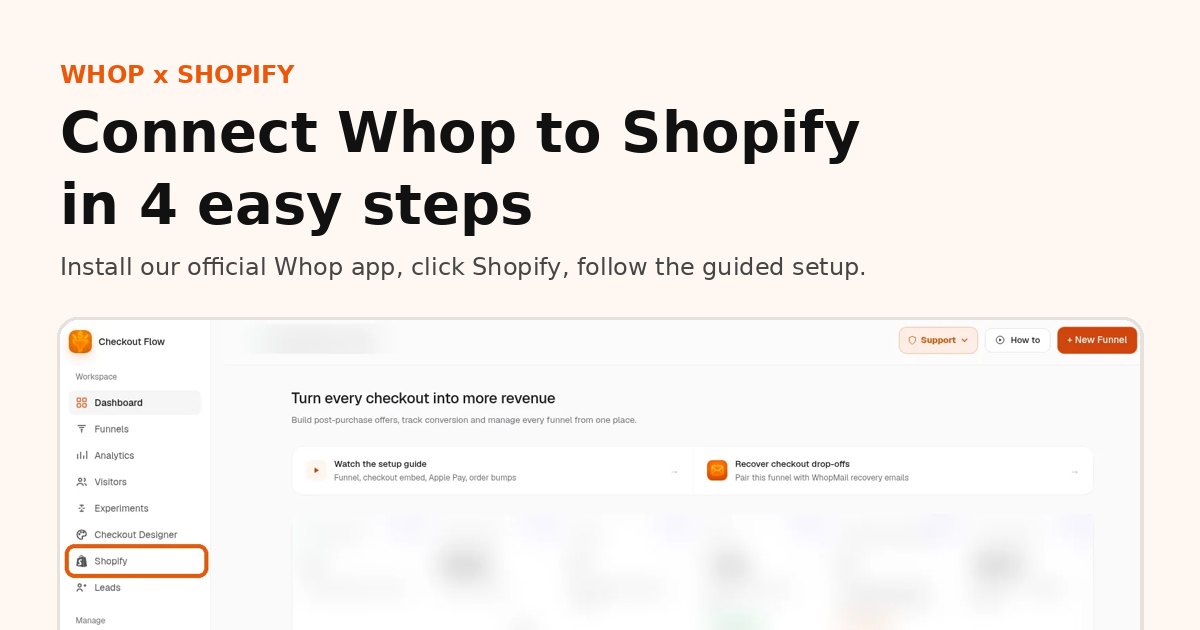
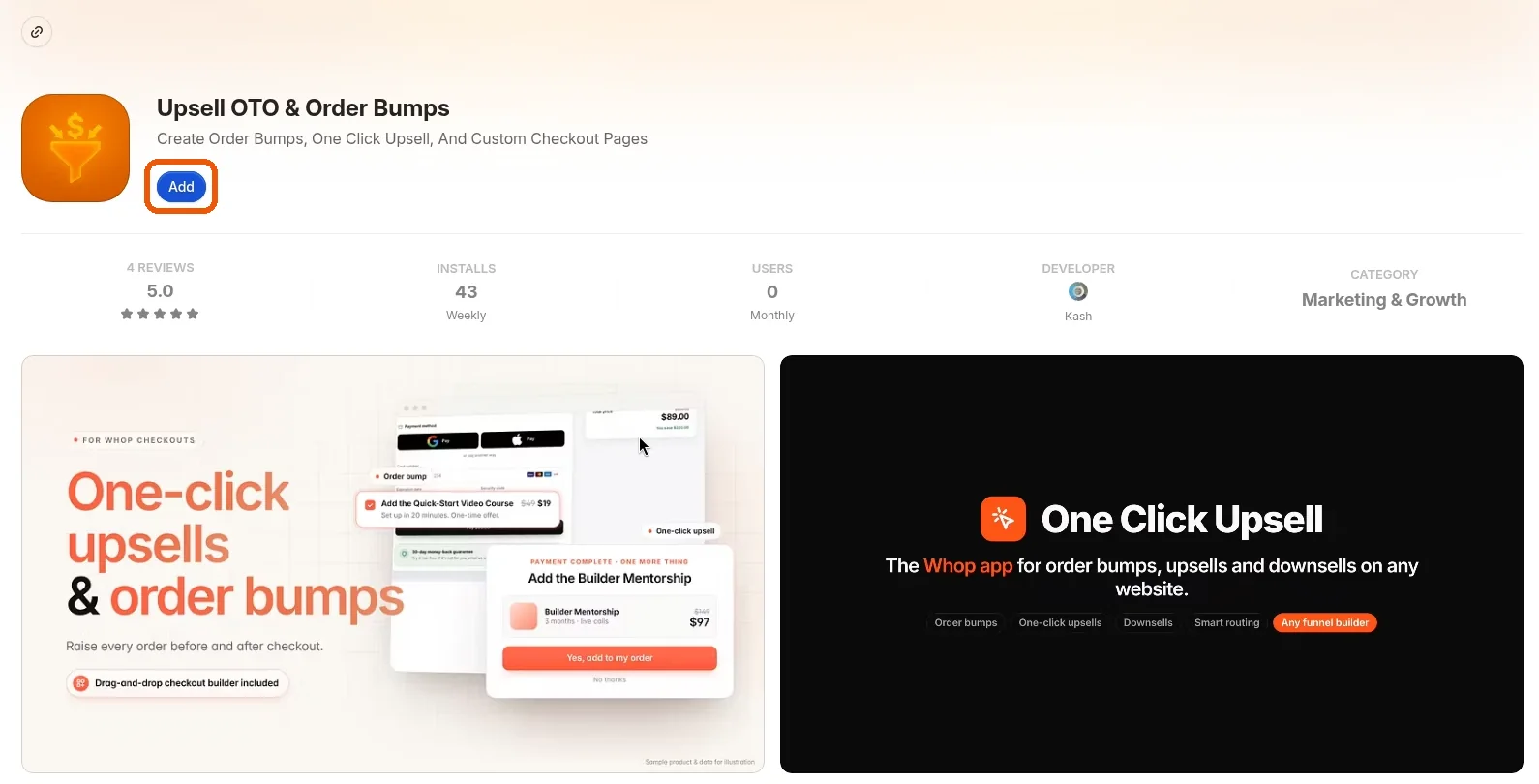
Install our official Whop app
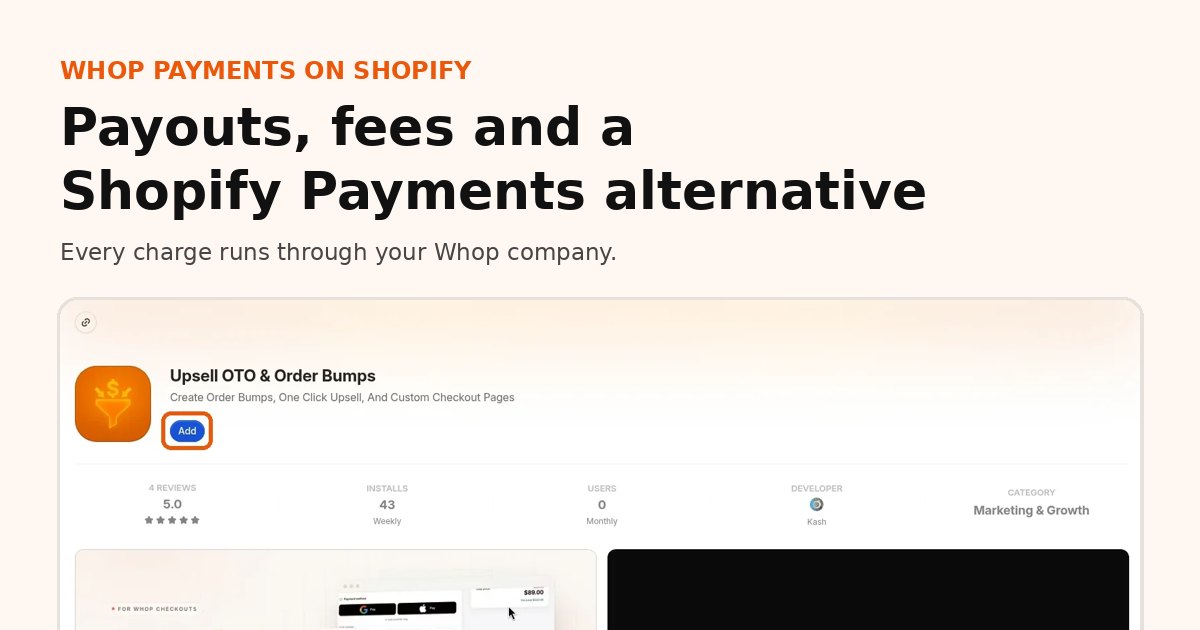
Open our app on the Whop App Store, listed as Upsell OTO & Order Bumps, and click Add on the Whop company that should receive payouts.
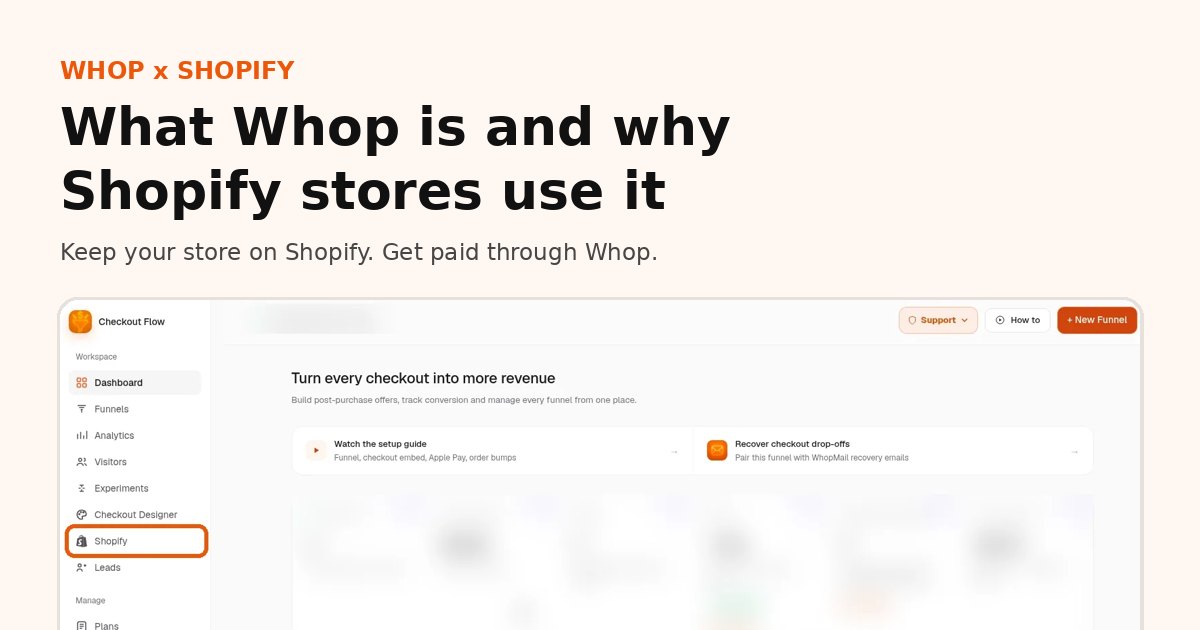
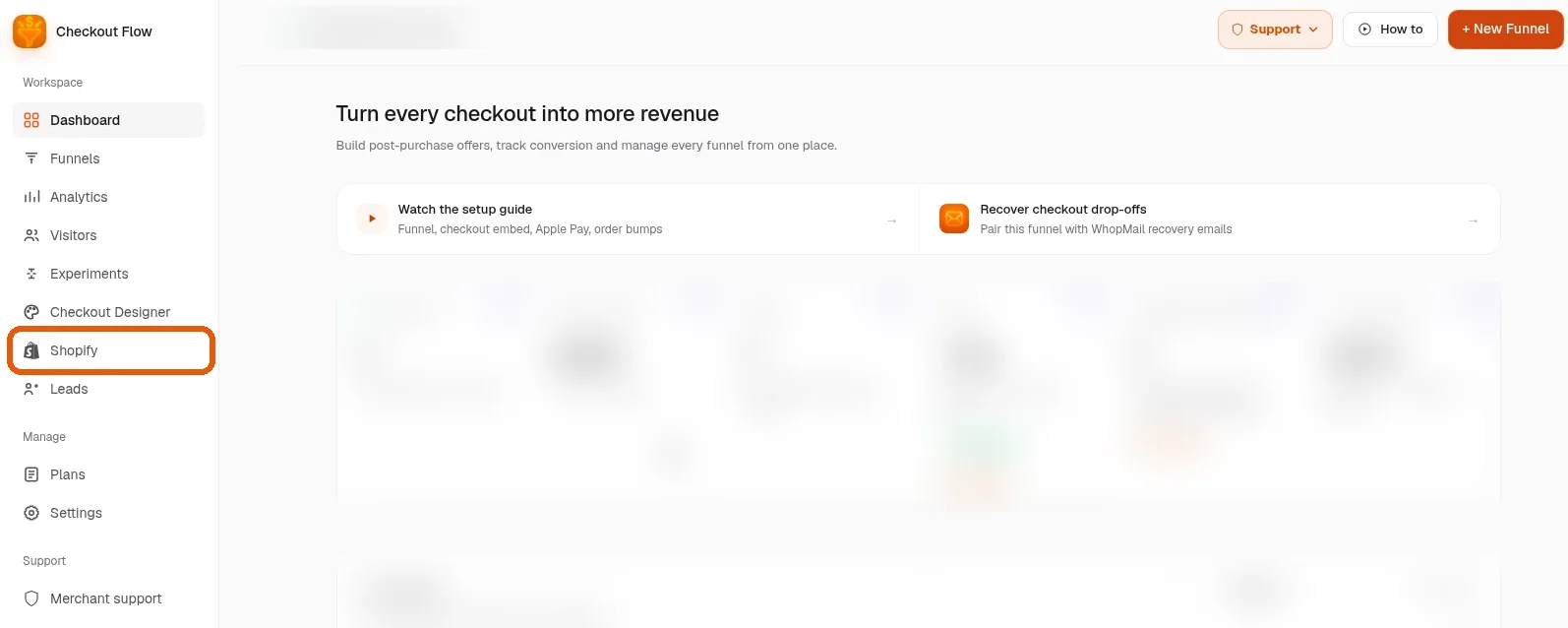
Open the app and click Shopify in the sidebar
Inside Whop, open the app and click Shopify in the sidebar to start connecting your store.
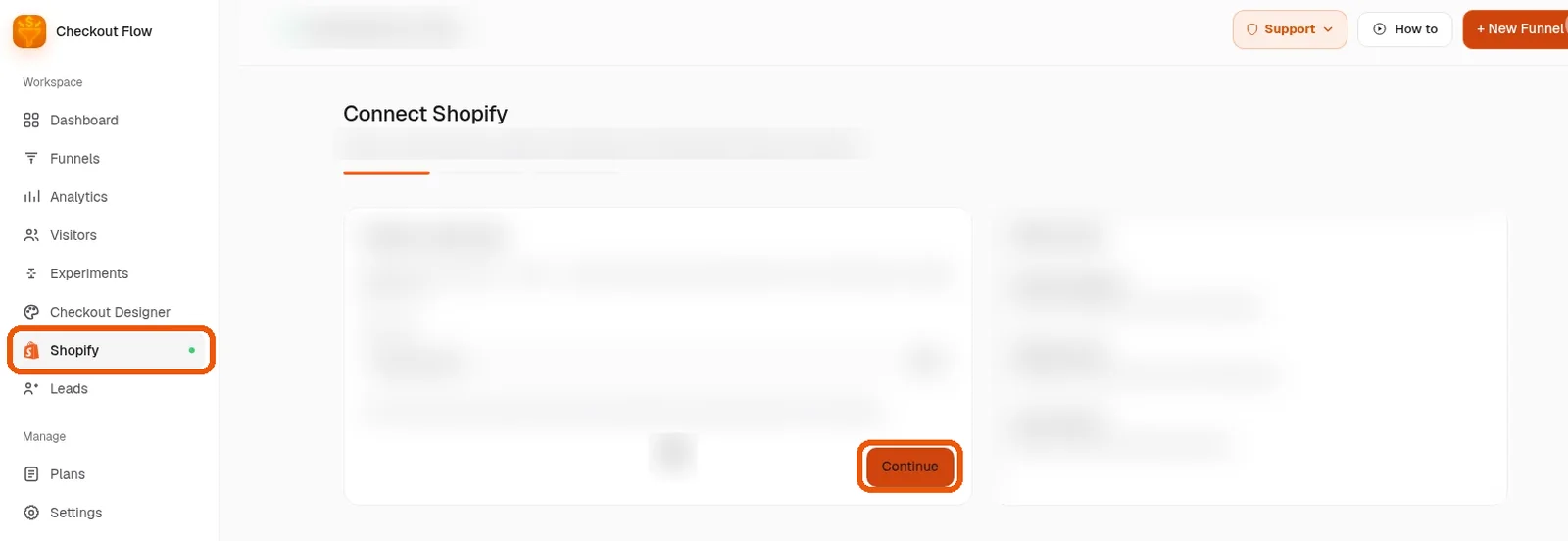
Follow the guided setup
Follow the guided setup. It asks for what it needs one screen at a time; click Continue as you go. Expect about 10 minutes.
You are live
Place a test order. Once it shows up in Shopify, shoppers are paying through Whop and you are live.
What it costs
- Our app: two plans, $99.95 per month (1% platform fee) or $149.95 per month (0.5% platform fee). The platform percentage is waived for early users for now.
- Whop processing: Whop's own processing fees apply on every charge, separate from our plan.
- Shopify: your Shopify plan stays. Check how synced orders appear on your Shopify invoice.
Whop Shopify FAQ
What is Whop Shopify?
"Whop Shopify" usually means using Whop for checkout and payments on a Shopify store. Shopify keeps the storefront and orders, and Whop runs the checkout and payouts through our official Whop app.
Does Whop work with Shopify?
Yes. Install our official Whop app, click Shopify in the sidebar and follow the guided setup to connect your store.
Is Whop a Shopify app?
You install our app on Whop, not from the Shopify App Store. The app then connects to your Shopify store during the guided setup.
Can I sell physical products with Whop and Shopify?
Yes. Your products, shipping rates and fulfillment stay in Shopify, and tracking syncs to Whop when you ship.
Do I have to move my Shopify store to Whop?
No. You keep your Shopify store. Only the checkout and payment move to Whop.
How long does it take to set up Whop on Shopify?
Most stores are live in 10 to 15 minutes. You can also book a free setup call.
Related guides
Ready to raise your order value?
Install OneClick Upsell on Whop and build your first upsell funnel today.
Some links to Whop on this site are affiliate links. If you sign up through them we may earn a commission, at no extra cost to you.