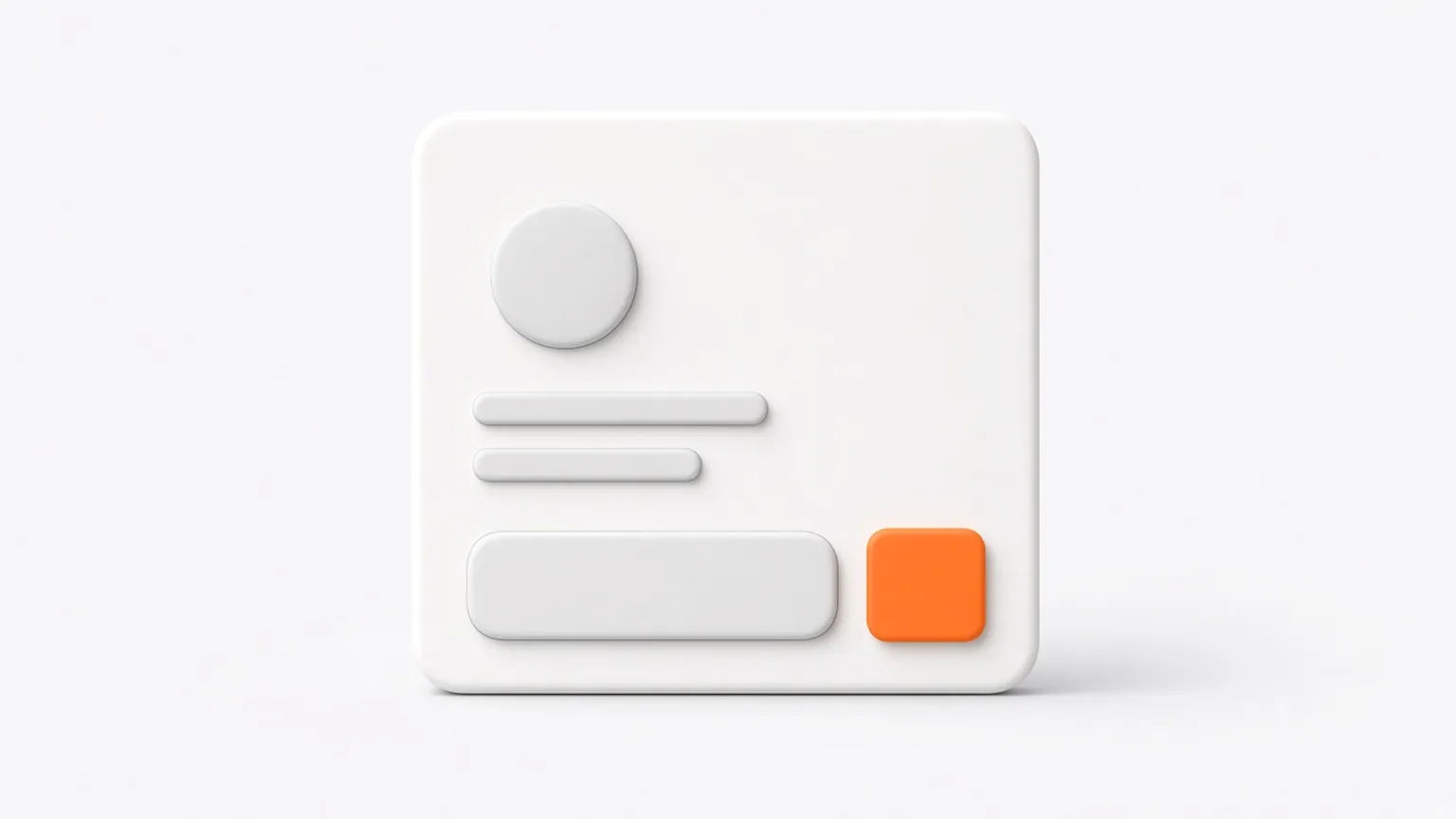
An order bump is a checkbox on the checkout page that adds a small extra to the order before the buyer pays. "Add the quick-start checklist for $12" with a tick box is the classic version. The buyer does not leave the page or enter anything new, and the extra is charged in the same payment as the main product.
How an order bump works
- The buyer is on your checkout page, ready to pay for the main product.
- Near the payment button they see one extra offer with a checkbox, a one-line benefit and the price.
- If they tick it, the price updates and the item is added to the same order.
- They pay once. The bump and the main product are one transaction.
Because it sits on a page the buyer is already committed to, it is the lowest-effort way to raise order value.
Order bump vs upsell
| Order bump | One click upsell | |
|---|---|---|
| When | Before payment, on the checkout page | After payment, on its own page |
| How the buyer says yes | Ticks a checkbox | Taps one button |
| Typical size | Small, related to the main item | Bigger, or a better version |
| Payment | Same charge as the main product | A new charge on the saved payment method |
They work well together. The bump catches people who want a small extra now, and the upsell offers something bigger once the money has gone through. Read one click upsell: what it is and how it works.
Add one-click upsells to your Whop
Install OneClick Upsell from the Whop App Store and offer a post-purchase upsell in a few minutes.
What makes a good order bump
- Small next to the main price. A common starting point is 20% to 50% of the main product's price. Treat it as something to test.
- Obviously related. It should make the main purchase faster, easier or more complete.
- Understandable in one line. Buyers decide in a second or two. If it needs a paragraph, make it an upsell.
- One per checkout. Two or three bumps turn a quick decision into a menu.
Order bump examples
| Main product | Order bump |
|---|---|
| $97 online course | $29 template pack |
| $49 per month community | $19 recorded onboarding workshop |
| $27 ebook | $12 checklist and swipe file |
| Skincare set | Travel-size version at a small price |
| Physical product | Extended care guide or matching accessory |
How to write the bump
Keep it to three parts:
- A checkbox label that states the action: "Yes, add the template pack for $29."
- One sentence of benefit: "Use the same format as the course so you can review your week in 10 minutes."
- The price, plainly. Do not invent a "was" price. Buyers notice.
Where to place it
Close to the payment button, where it gets seen. On a long form, right under the fields and above the button works well. On a short form, above or below both work. Test the position.
The fee math on small bumps
Card processing has a fixed part per payment. On Whop it is 2.7% + $0.30 for a domestic card. A bump added to the main order pays the $0.30 once for the whole order. Sold as a separate $12 purchase, the same extra would pay about $0.62, over 5%. That is one reason small add-ons work better as bumps than as standalone sales.
How to add an order bump
It depends on where your checkout is.
- Shopify: Shopify's own checkout extensions that render in the checkout steps are limited to Plus stores, per Shopify's developer docs. On other plans, bumps usually go on the product page or cart through an app, or you use an external checkout that supports them. Check current Shopify options for your plan.
- Whop: a paid locked app set to "Before checkout" works as a native bump, and OneClick Upsell adds checkbox bumps to hosted, domain and embedded checkouts. See order bumps on Whop.
- Your own site: use a checkout or funnel tool that can add a line item with a checkbox.
For Shopify stores, OneClick Upsell routes checkout through Whop, where bumps, upsells and downsells run in one funnel. Setup is basic and usually takes 10 to 15 minutes: install our app, open Shopify in the sidebar and follow the guided setup. The Shopify checkout add-on is $99.95 per month, and funnel plans start at $19.95 per month, plus Whop's processing fees. This is not an official Shopify integration. Merchants should review Shopify's terms. See pricing or preview it on Shopify.
What to measure
- Bump take rate: the share of orders that include it.
- Average order value: with the bump on and off.
- Refund rate on bumped orders. If it rises, the bump may be confusing.
FAQ
What is an order bump?
A checkbox on the checkout page that adds a small extra to the order before payment. It is charged in the same transaction as the main product.
What is the difference between an order bump and an upsell?
A bump is offered before payment and added to the same charge. An upsell is offered after payment, as a separate yes or no.
How much should an order bump cost?
Small compared with the main item. A common starting point is 20% to 50% of the main price, then test higher and lower.
How many order bumps should I add?
One. More than one makes checkout feel like a menu and can slow the decision.
Do order bumps hurt conversion?
They can if the offer is unrelated, expensive or confusing. Keep it simple and compare orders with the bump on and off.
Can I use an order bump with Shopify?
Yes, but the options depend on your plan and setup. See the Shopify note above, or one click upsell on Shopify for the after-payment side.
Related reading
Ready to raise your order value?
Install OneClick Upsell on Whop and build your first upsell funnel today.
Some links to Whop on this site are affiliate links. If you sign up through them we may earn a commission, at no extra cost to you.